Answer Sheet Toolkit - Keyboard-First macOS Answer Sheet App
SwiftUI/macOS/MVVM/Keyboard-first grid/Mock exam timer/XLSX export/Local-first desktop product engineering
Personal project Native macOS (SwiftUI)
Author: Regan Yin | Platform: macOS 14+ (Apple Silicon ready) | Stack: SwiftUI + MVVM
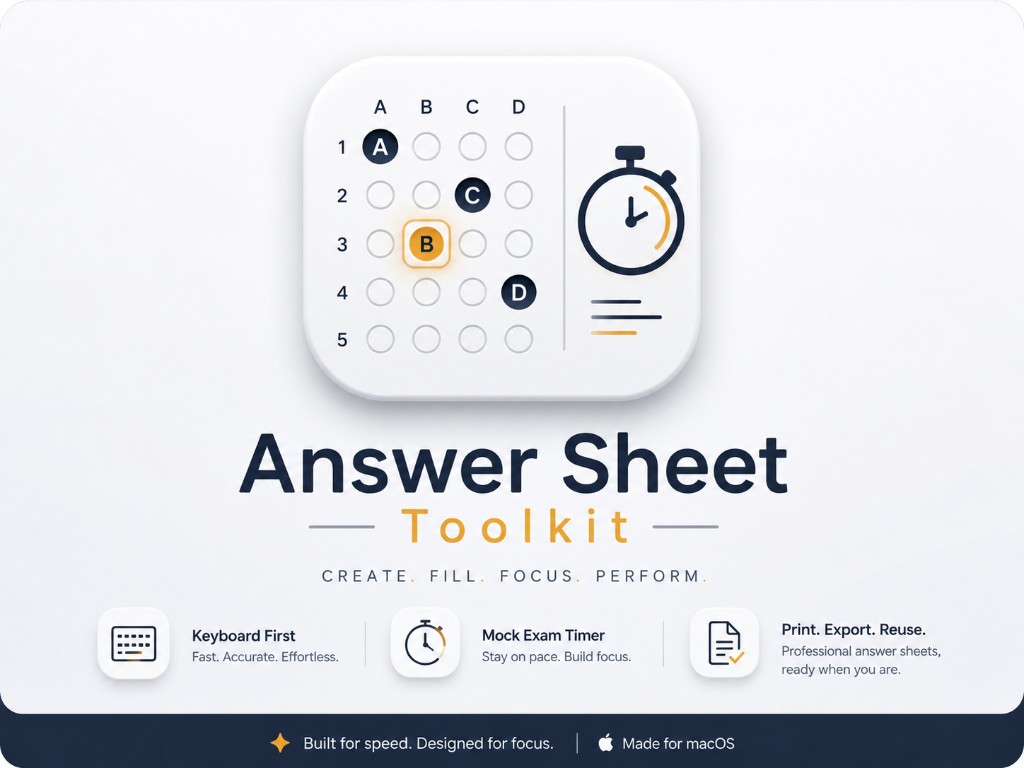
A clean, keyboard-first macOS app for recording the answers from multiple-choice paper exams — built around a fast answer grid, a configurable mock-exam timer, and clean export to Excel and the clipboard.
Contents
Executive Summary Tech Stack Features Architecture Packaging & Distribution How to Build & RunExecutive Summary
Answer Sheet Toolkit makes recording multiple-choice answers fast and frictionless. Type A–D to fill, Tab / Shift+Tab to move, and the grid auto-fits the most "square" layout for any question count. A dependency-free XLSX writer keeps the app lightweight, while runtime localization and theming keep it polished.
Tech Stack
SwiftUI MVVM AppKit (KeyCaptureView) Custom XLSX writer ZIP archiving JSON persistence Localization (EN / 简体中文)Features
- Answer sheet management — create, rename, delete, and switch between multiple sheets.
- Keyboard-first grid — type
A–Dto fill;Tab/Shift+Tabnavigate;Deleteclears;Escexits answering mode. - Smart layout — set total questions and the grid auto-fits the most "square" shape (e.g. 85 → 10 × 9), or set rows / questions-per-row directly.
- Configurable choices — restrict input to a subset such as A–D, snapshotted per sheet.
- Mock exam mode — count-up or count-down timer with editable duration and optional start delay; freezes on completion.
- Export — one click to
.xlsxor the clipboard (TSV) with in-app success/failure notifications. - Persistence — sheets and settings stored as JSON in Application Support.
- Localization & theming — English and Simplified Chinese; System, Light, Dark, and Light Amber themes.
Architecture
The app follows MVVM with a single coordinating AppStore.
| Layer | Implementation | Purpose |
|---|---|---|
| Models | AppSettings, AnswerSheet, AnswerEntry, ThemeMode, LanguageMode, MockTimerMode | Core domain types and configuration |
| Logic | AnswerValidator, GridNavigator | Pure, testable helpers for input and navigation |
| Services | Persistence, XLSXWriter, ZipArchive, clipboard, localization, theming | Side-effecting services and dependency-free export |
| ViewModels | AppStore, AnswerSheetEditorViewModel, MockExamTimerViewModel, SettingsViewModel, ExportViewModel | State and behavior coordination |
| Views | SwiftUI views + AppKit KeyCaptureView | UI plus reliable Tab / Shift+Tab key handling |
Packaging & Distribution
- One-step packaging:
./scripts/package.shbuilds a Release.appand packages it as a drag-to-Applications.dmgand a.zip(outputs land indist/). - Testing: comprehensive unit and UI tests cover models, logic, services, view models, and end-to-end keyboard flows.
- Gatekeeper note: the build is unsigned; for frictionless distribution, sign with a Developer ID certificate and notarize with
notarytool.
How to Build & Run
git clone https://github.com/Regan-Yin/AnswerSheetToolkit.git
cd AnswerSheetToolkit
open AnswerSheetToolkit.xcodeproj
# Select the AnswerSheetToolkit scheme and press Run (Cmd+R)

# Or from the command line:
xcodebuild build -scheme AnswerSheetToolkit -destination 'platform=macOS'
xcodebuild test  -scheme AnswerSheetToolkit -destination 'platform=macOS'
Full build, packaging, and architecture notes are documented in the repository README.